Tutorials
Mail Merge Software for Notion PDFs
Compare mail merge software for Notion and learn how to automate personalized PDFs, Word files, and Google Docs from one database.
By Sanat Biswal · 2026-09-02 · 7 min read

{/ synced-from-notion — do not edit manually /}
Mail merge isn't just for emails. If Notion is your source of truth, you may also need to generate invoices, certificates, contracts, reports, or proposals automatically. The right workflow turns each database row into a finished document in a few steps.
Table of Contents
- PDFOutput
- Step 2: Build a Clean Notion Database for Mail Merge Fields
- Step 3: Connect the Right Mail Merge Software to Notion
- Step 4: Create Templates and Map Merge Fields to Your Documents
- Step 5: Run, Schedule, Store, and Monitor Your Mail Merge Workflow
- FAQ
- Conclusion
- Handles batch PDF generation.
- Supports merging PDFs and working with multiple databases via Notion relations and rollups.
- Outputs PDF, Word, Google Docs, and PPTX files.
- Button‑triggered generation inside Notion and scheduled workflows.
- Notion property: Invoice\_No → Template placeholder:
{{Invoice_No}} - Notion property: Client\_Name → Template placeholder:
{{Client_Name}} - Notion property: Invoice\_Amount → Template placeholder:
{{Invoice_Amount}} - Invoice\_No
- Client\_Name
- Client\_Address
- Invoice\_Date
- Due\_Date
- Invoice\_Amount
- Payment\_Status
- Use short, consistent property names.
- Avoid renaming properties mid‑project (e.g., Client\_Name → Customer).
- Set the correct property type before adding records: - Date property for dates. - Number or formula for amounts. - Relation for linked data; use rollups to pull values.
- Clean data: remove blank rows, validate email formats, standardize dates, and ensure currency symbols are consistent.
- Store identifiers (IDs, postal codes, product codes) as text to preserve leading zeroes.
- Add a status property (e.g., Draft, Ready, Generated) to control the merge flow.
- Ready to Generate – on‑demand PDF creation.
- Generate Page – converts the Notion page to PDF.
- Generate PDF and Doc – produces both PDF and Word.
- Generate E‑Signed Doc – creates an e‑signed document (how to create an e‑signature on PDFs generated in Notion).
- Winery → batch product sheets.
- Manufacturer → inspection records for multiple orders.
- Education → certificates for a class.
- Real‑estate → property reports pulling data from related listings.
- Start with the document you already send.
- Remove manual fields, replace each variable with a matching placeholder.
- Keep placeholder spelling exact (case, underscores, spaces).
- Invoice number:
{{Invoice_No}} - Client name:
{{Client_Name}} - Invoice date:
{{Invoice_Date}} - Amount due:
{{Invoice_Amount}} - Date formats
- Decimal places and currency symbols
- Page breaks, logos, table widths
- Start with a small test batch (1–2 records).
- Generate files and compare each result to its source record.
- Validate name, date, amount, address, and any related line items.
- Run the full batch once the test passes.
- Mark record Ready.
- Generate the document.
- Store the output link or file date.
- Change status to Generated.
- Send or review the file.
- Click‑based generation for one‑off jobs (e.g., property inspection report).
- Scheduled triggers for recurring work (weekly reports, monthly statements). Use a clear field such as Ready or a past due date.
- Blank output → misspelled placeholder.
- Missing line items → broken relation or rollup.
- Overflowing page → template adjustment.
1. PDFOutput
PDFOutput is document‑automation software built for Notion users who need mail‑merge‑style output. It reads values from a Notion database and injects them into a Word file, Google Doc, or existing PDF template.
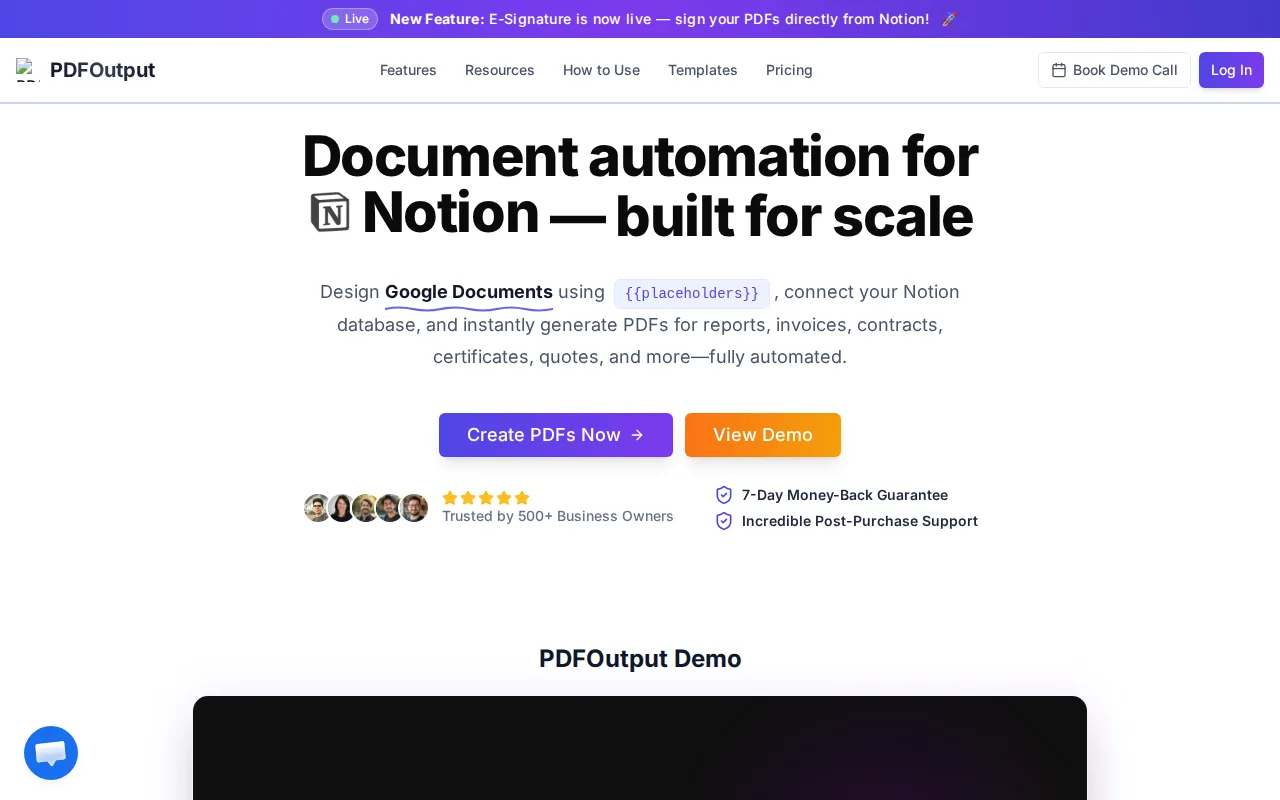
Key reasons to choose PDFOutput:
Placeholders use the format {{placeholder_text}}. The placeholder name must match a Notion property exactly. Example:
> Must Read: For a step‑by‑step walkthrough, see our detailed PDFOutput guide.
Pricing is subscription‑based, with monthly and annual plans that scale with document volume and workflow complexity. Review the current PDFOutput pricing plans before scaling up.
Key Takeaway: Choose a document‑first workflow when your output is a file, not only an email.
Step 2: Build a Clean Notion Database for Mail Merge Fields
A clean database gives mail‑merge software clear fields to read. Treat each row as a single finished document (invoice, certificate, delivery note, etc.).
Start with the fields your document needs. Example invoice fields:
Best practices
When PDFOutput connects, it adds a GeneratePDF status property with four options:
Notion databases can store more than contacts: attendance sheets, supplier statements, inspection forms, grant letters, onboarding packs, quote sheets, and sales proposals. The rule of thumb—one row must contain enough data to fill one output.
> Pro Tip: Build one test record with obvious values (e.g., TEST CLIENT, 12345). It makes missing or misplaced fields easy to spot.
Step 3: Connect the Right Mail Merge Software to Notion
The best mail‑merge tool depends on your final output.
| Need | Suitable workflow | Watch for |
|---|---|---|
| Personalized email only | Google Sheets or Excel → GCOPE | Daily sending limits and shared mailbox rules |
| One unique PDF per database row | Notion → PDFOutput | Field names must match template placeholders |
| Individual attachments by recipient | Email merge with an attachment field | Each file path must point to the correct record |
| Several related line items | Notion relations & rollups → PDFOutput | Linked records need clean values before generation |
| Large email campaigns | Email marketing or CRM automation platform | Bulk caps, consent, tracking, and unsubscribe rules |
Google Docs mail merge follows a similar path—draft in Docs/Gmail, map spreadsheet columns, preview, and send—yet the output remains an email.
PDFOutput connects directly to Notion, letting you keep the record in the workspace your team already uses. You then choose a template, map fields, and generate files with a single click or batch process.
Typical use cases
Before connecting, define access rights: who can edit the database, who can modify templates, and which fields are visible in which views.
Document workflows often sit beside email workflows. If you also need campaigns, follow‑ups, or task creation, consult the latest email automation tools for 2026 to separate those needs from document generation.
> Use PDFOutput when Notion is the primary record system and the result must be a file. Use an email‑focused tool when the message itself is the product.
Step 4: Create Templates and Map Merge Fields to Your Documents
A good template defines layout; Notion supplies the dynamic values.
Invoice example placeholders
Supported template formats: Word, Google Docs, existing PDFs. This lets accountants, NGOs, and schools reuse familiar layouts.
For related records (e.g., proposals with company, contact, and services), store the company and contact as relations and pull needed values via rollups. Ensure the template has enough space for line‑item tables.
Handle optional fields thoughtfully. Test both full records and records with missing optional data to see how blanks appear.
Formatting considerations (source → template)
Preview with multiple records: short name, long name, full address, empty optional field. Inspect PDFs on screen and on paper if printing is required.
If your sales process needs interactive content beyond PDFs, compare with interactive document tools for sales teams.
> A template is ready when a new staff member can understand its fields without asking for clarification.
Step 5: Run, Schedule, Store, and Monitor Your Mail Merge Workflow
Turn the template into a repeatable process.
Use status fields to avoid duplicate work
Automation triggers
Store files in a consistent location. PDFOutput can auto‑save to Google Drive; adopt a naming convention that includes the record ID or document number (avoid names like final-final-new.pdf).
Monitor both successes and failures
Basic tracking (opens, clicks) is helpful but not proof of reading. For document workflows, the key metrics are generation, storage, review, and delivery.
> Key Takeaway: A reliable merge has a test batch, a clear status field, a storage rule, and an owner for failed records.
Automation may be overkill for a handful of occasional documents with unique layouts. It shines when the same template repeats, multiple team members share the task, or batch processing saves significant time.
FAQ
What is the best mail merge software for Notion?
For Notion users needing generated documents, PDFOutput is the most direct fit. It maps Notion properties to placeholders in Word, Google Docs, or PDF templates. You can generate a single file with a button or process a batch. Email‑only tools may still work if your goal is primarily messaging.
Can I create PDFs from a Notion database?
Yes. Add the required properties to each record, place matching placeholders in a template, and connect the template to the database with PDFOutput. Relations and rollups handle data from linked records.
Can mail merge software create invoices and certificates?
Absolutely. The template defines design; Notion supplies each person's or customer's values. Test long names, missing optional fields, dates, amounts, and line items before generating a full batch.
Can PDFOutput generate Word files and Google Docs?
Yes. PDFOutput can output Word files and Google Docs in addition to PDFs. Provide a Word file, Google Doc, or existing PDF as the template, and the system will replace matching placeholders with Notion values. PPTX output is also available.
Does Notion mail merge support bulk generation?
Bulk generation is possible when you connect the database to a document automation tool like PDFOutput. Use a Ready status to control the batch, and always test a small group first, especially for financial or legal documents.
Who should not automate document generation?
If you only create a few unique documents that each require a fresh layout, manual work may be faster. Automation is best when the same template repeats, several staff members share the task, or a batch must be produced from consistent records.
Conclusion
If your team already works in Notion and needs repeatable PDFs, Word files, or Google Docs, start with PDFOutput. Build a clean database, test a template with a couple of records, then run a small batch. Explore the PDFOutput document automation features and launch the workflow that eliminates your most repetitive manual task.