Tutorials
Document Automation Software: 10 Options
Compare the best document automation software for Notion, finance, legal, operations, and growing businesses, with features and use cases.
By Sanat Biswal · 2026-09-01 · 5 min read

{/ synced-from-notion — do not edit manually /}
Manual document work turns small mistakes into slow approvals, missed handoffs, and repeat data entry. If your team runs on Notion, the right setup can turn database records into ready-to-send files in just a few simple steps. Here are 10 document automation options, with a clear fit for each one.
Table of Contents
- PDFOutput, Notion-native document generation
- DocuGenerate, a straightforward option for recurring PDF batches
- Dox42, Microsoft-centric document and presentation automation
- Epsillion, branded reports for presentation-heavy teams
- Rossum, intelligent processing for finance documents
- Docparser, structured data extraction from consistent documents
- Doxis, document generation plus intelligent workflow management
- NorthStar CCM Platform, high-volume personalized communications
- Ironclad, contract execution and approval automation at scale
- Onit, contract lifecycle workflows for legal transformation
- How to choose document automation software
- FAQ
- Conclusion
1. PDFOutput, Notion-native document generation
PDFOutput is built for teams that keep their business data in Notion and need clean documents without a complex setup. It maps Notion properties to template fields such as \{\{Client_Name\}\} or \{\{Invoice_Amount\}\}.
Demo on How to generate Purchase Requests on automation
It removes the need for any complex setup with tools like Zapier or Make, making the workflow simple and avoiding complicated integrations.
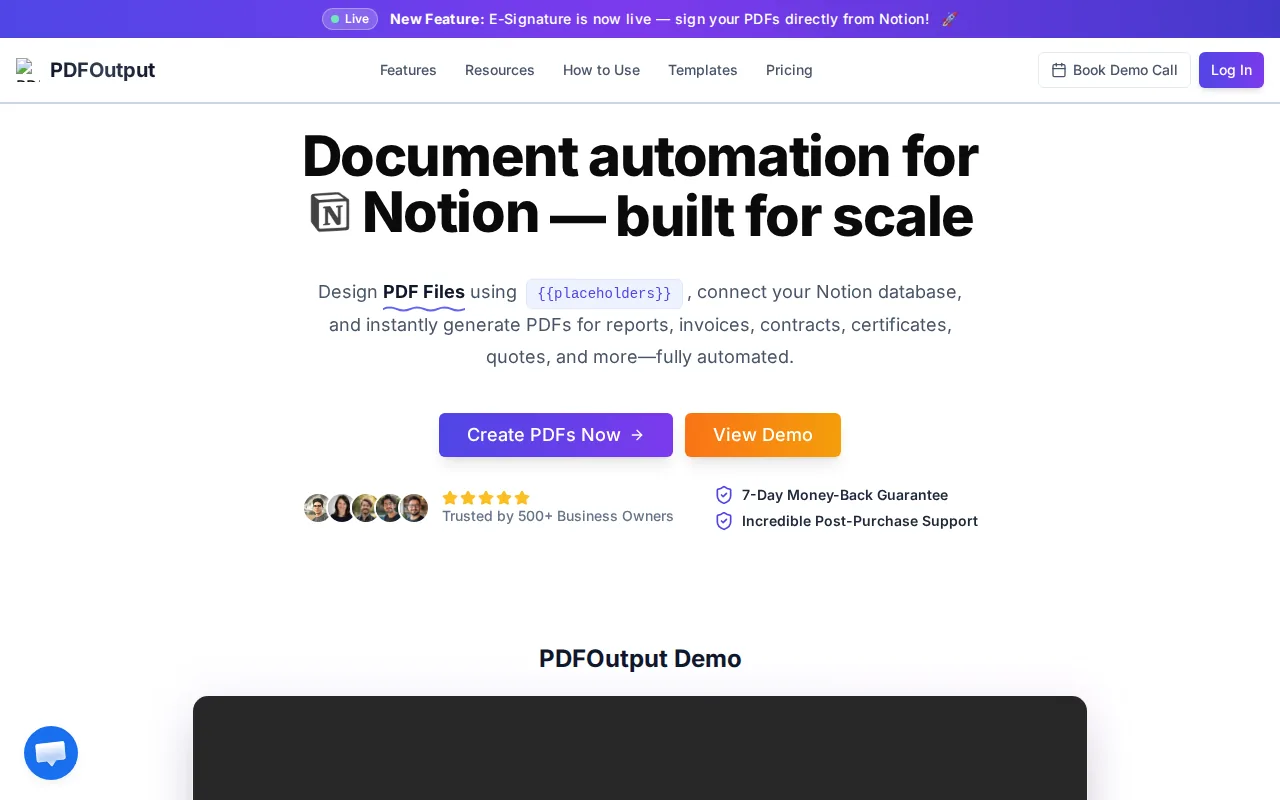
We support Word files, Google Docs, and existing PDFs as templates. Once your fields match your Notion properties, PDFOutput can produce PDFs, Google Docs, or PPTX files from the same record. That makes it useful for invoices, quotes, certificates, contracts, inspection reports, attendance sheets, delivery notes, and client updates.
It also handles batch generation. You can generate one file for every row in a database, merge PDFs, or pull related data through Notion relations and rollups. A rollup lets you bring linked values into one record, such as line items on an invoice or products on a supplier order.
Scheduled triggers help teams run recurring jobs. Automatic Google Drive storage keeps finished files in a shared place. You can also set up real-time generation when a record reaches a chosen status.
A wine refinery might keep batch data in Notion, then produce a certificate for each lot. A school might generate certificates from attendance records. A real estate office could turn property records into viewing sheets. The setup suits teams that want an in-house workflow without asking staff to learn code.
PDFOutput uses subscription plans with monthly or annual billing. The main limitation is fit: it makes the most sense when Notion is already your source of truth. If your data lives in a complex ERP, another option may fit better.
See the PDFOutput document generation features to check how your current Notion fields could map to templates. We think this is the first place most Notion teams should test.
2. DocuGenerate, a straightforward option for recurring PDF batches
DocuGenerate suits teams that keep source data in Microsoft Excel, Word, Airtable, or JSON. It uses Word templates, then produces PDFs for each row or record.
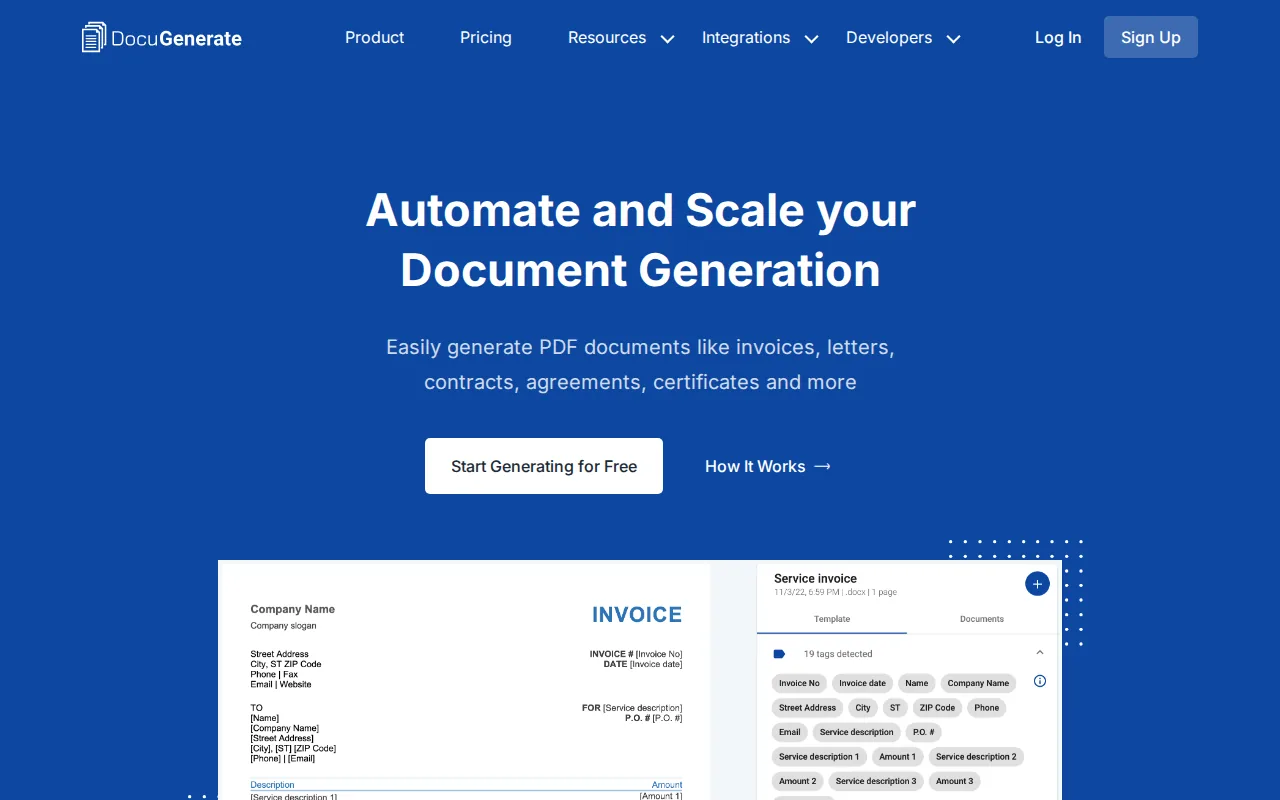
The workflow is familiar to office staff. Design the file in Word, place fields in the template, connect the data, and generate the output. It can fit invoices, letters, contracts, and award certificates.
Its free basic option allows up to 20 documents per month without a credit card. Paid use makes more sense when a team needs regular batches. The service also has API documentation for programmers.
DocuGenerate is less suitable if Notion must remain the direct data source. You would need a separate path for moving Notion data into a supported format.
3. Dox42, Microsoft-centric document and presentation automation
Dox42 is aimed at teams that work inside Microsoft Word, Excel, PowerPoint, and shared file repositories. It automates content inside those applications and can produce PDF output.
This can help a manufacturer pull order data into a delivery pack. A sales team might update a presentation from structured business records. Support for shared file repositories also gives Microsoft-focused teams a familiar place to manage files.
The tradeoff is clear. Dox42 fits a Microsoft stack better than a Notion-first stack. Teams using Notion would need to check the data path before committing.
4. Epsillion, branded reports for presentation-heavy teams
Epsillion focuses on polished reports and presentations. It works with Microsoft Word and Excel, then produces PDF or HTML output.
You can start with unformatted text, set report parameters, and refresh figures linked to Excel. That makes it useful for financial reports, assessment documents, board packs, and other files where layout matters.
Its strength is visual control. Its limitation is the same one: it is built around Microsoft files rather than Notion databases. A Notion team would need an added data connection or export step.
The research source for Epsillion describes it as a Word and Excel add-in for professional reports, with PDF and HTML output. That is a narrower use case than a full Notion document workflow.
5. Rossum, intelligent processing for finance documents
Rossum fits finance teams that receive invoices and purchase orders. It focuses on extracting data from incoming documents, checking that data, and moving exceptions into validation queues.

This is a different job from filling a PDF template. Rossum handles inbound document understanding. It can make sense for an accounts payable team that receives files by email and needs structured values for finance systems.
AI document processing may classify a file, read fields, and route uncertain results for human review. That review step matters when a wrong supplier number or amount could affect payment.
Rossum is therefore a finance intake choice. It is less direct for a Notion user who already has clean records and wants to generate outgoing PDFs.
6. Docparser, structured data extraction from consistent documents
Docparser is designed for structured, non-scanned documents with stable layouts. It uses parsing rules to pull set fields from recurring file types.
For example, a supplier may send the same purchase order layout each week. A parser can capture the order number, date, and line data, then pass those values into another system.
This approach works best when the source files do not change much. It becomes harder when documents contain poor scans, changing layouts, or complex tables.
Docparser can complement Notion if the problem starts with incoming files. PDFOutput fits the next step when your Notion database already holds the approved data and you need outgoing documents.
7. Doxis, document generation plus intelligent workflow management
Doxis combines document generation with workflow automation, records governance, and intelligent document processing. It is aimed at organizations with strict control needs.
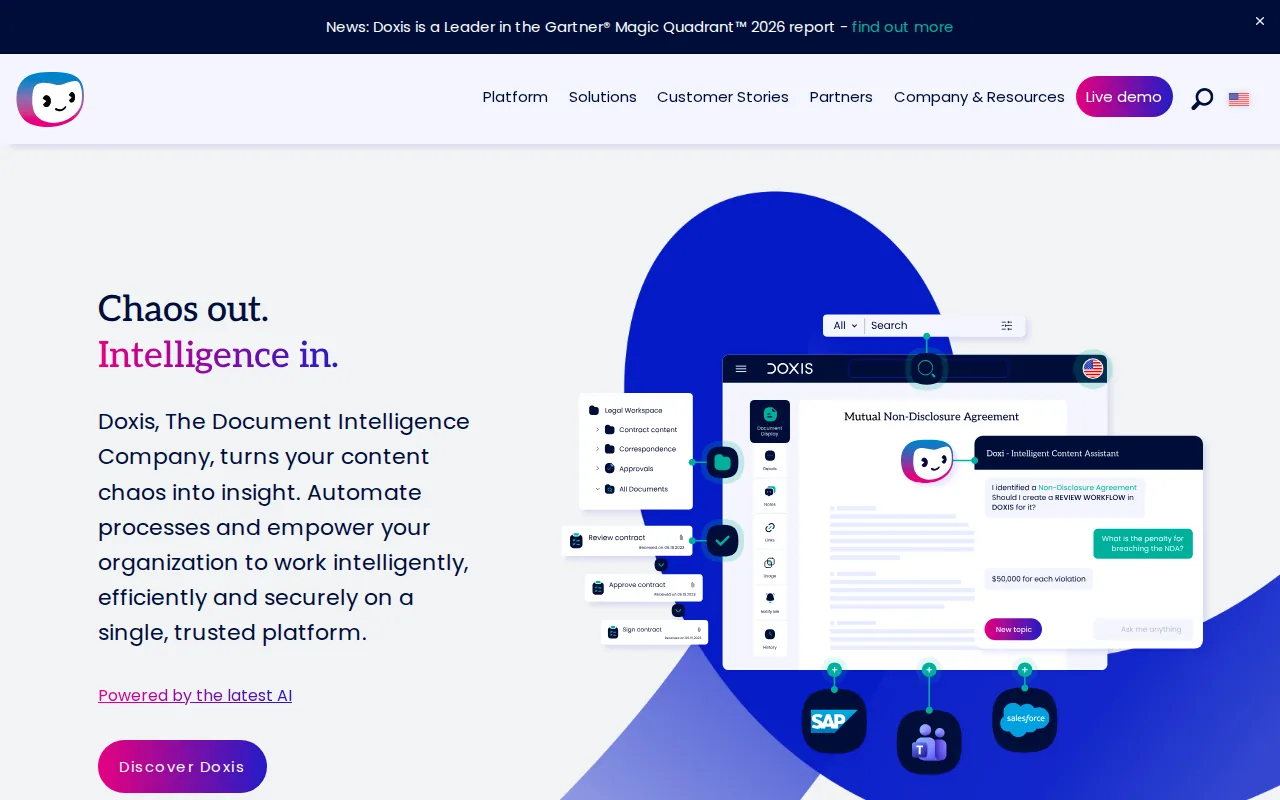
A controlled document process can define who may edit a file, who approves it, how long it stays active, and when it moves to an archive. This matters for quality records, policies, contracts, invoices, and compliance reports.
Doxis also addresses classification, metadata extraction, and search. Those functions help when documents are spread across departments and business systems.
The cost is likely operational complexity. A small supplier that only needs a PDF from a Notion row may find a full document control platform too large for the task.
8. NorthStar CCM Platform, high-volume personalized communications
NorthStar CCM Platform focuses on customer communications at scale. CCM means customer communications management, or the process of producing personalized files for many recipients.
It can automate the document creation process from production through personalization. That makes it relevant to large mailing programs, account notices, policy documents, and other high-volume communications.
This type of system suits teams with a large output volume and strict control over message content. It may be more than a small business needs for monthly invoices or occasional certificates.
Before choosing it, check how data enters the workflow and where finished files are stored. Notion teams usually want those answers before they assess design features.
9. Ironclad, contract execution and approval automation at scale
Ironclad is built around contract workflows. It supports template-based drafting, approvals, execution, and contract process tracking for enterprise legal teams.
Its model starts with approved templates and rules. Data can populate fields such as names, dates, and commercial terms. The contract then moves through defined review paths before signature and storage.
AI features can help suggest clauses, flag risky terms, compare versions, and identify key dates. These capabilities matter when legal teams manage a large contract queue.
Ironclad is a strong fit for contract lifecycle work, but it is not a direct Notion PDF generator. If your main need is to produce invoices, reports, or certificates from Notion, the setup may be too legal-specific.
10. Onit, contract lifecycle workflows for legal transformation
Onit focuses on contract process automation and broader legal operations. It fits legal departments that want to manage contract requests through defined workflows.
A legal intake process might collect business details first. The system can then route the request, apply the right contract path, and track progress through review and execution.
Onit is better suited to a legal transformation program than a small office document task. It can make sense when contracts need formal ownership, approval rules, and visibility across a legal team.
For a Notion-first business, compare the setup burden with the actual document volume. A focused template tool may solve the same outgoing PDF task with fewer moving parts.
How to choose document automation software
The right document automation software depends on where your data starts and what happens after a file is made. A Notion user should test the full path, not only the template editor.
Low‑code tools suit teams that can configure templates and rules. Full‑code tools suit developers who need custom APIs and deep control. No‑code tools suit staff who need a clear setup with fewer technical demands.
Look closely at security, permissions, retention, audit trails, and human review.
Then run a small test. Use one invoice, one certificate, one report, and one document with related line items. Check field mapping, layout, file naming, storage, and failure handling before you move a full database.
If you need a Notion-based setup, start with a template that uses simple placeholders. Add scheduled triggers after the manual flow works. That order keeps errors easy to find.
FAQ
What is document automation software?
Document automation software uses data and rules to produce, process, route, or store documents with less manual work. Some tools fill templates from databases. Others extract fields from incoming files. The best document automation software for you depends on whether you create outgoing documents or process documents that arrive from others.
Can Notion generate PDFs automatically?
Notion can hold the database records, but a separate document automation tool is usually needed to turn those records into formatted PDFs. PDFOutput maps Notion properties to template placeholders. It can also produce Google Docs and PPTX files, run batches, merge PDFs, and store output in Google Drive.
What documents can I automate from Notion?
You can automate many repeatable files from Notion, including invoices, quotes, contracts, certificates, reports, inspection sheets, attendance records, delivery notes, and property documents. The key test is whether the document follows a repeatable template. If each file needs fresh design work, automation may save less time.
Is document automation useful for small businesses?
Document automation can help small businesses when staff repeat the same fields across many files. A supplier may generate order documents from a database. A school may produce certificates from attendance records. If you create only a few unique documents each month, manual work may remain simpler.
How does batch document generation work?
Batch generation applies one template to many records. The system reads each row, replaces matching placeholders, then produces a separate file. A Notion workflow might create 100 invoices from 100 database entries. Check batch limits, error reports, file naming, and storage before using it for daily work.
How much does document automation software cost?
Pricing varies by product, output volume, users, integrations, and support. Many business tools use subscriptions with monthly or annual plans. When you compare pricing, include setup time and review work. PDFOutput provides monthly and annual subscription plans, so you can match the commitment to your document volume.
Conclusion
For a business already using Notion, PDFOutput is the clearest starting point because it keeps your data in Notion while producing PDFs, Word files, Google Docs, and PPTX files. Test one template with a small set of records, then review PDFOutput pricing plans and start a free trial when the workflow works. For contract governance or inbound finance extraction, choose a specialist built for that job.